
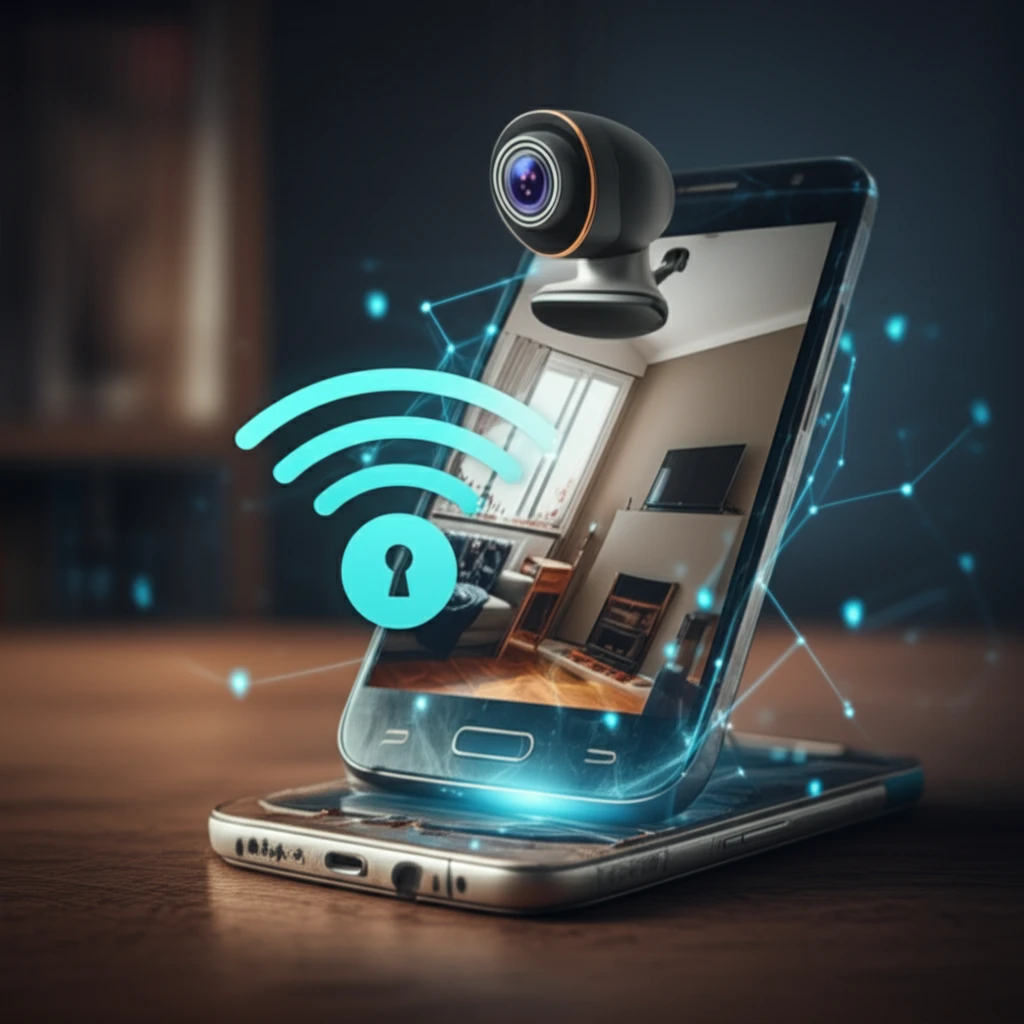
Android phone displaying a live webcam feed of a living room

Turn Your Old Phone Into a Security System: DIY Home Monitoring

"Discover how to repurpose an Android phone and a webcam into a DIY home security system, saving money and increasing your peace of mind."


In today's world, keeping our homes safe and secure is a top priority. While professional security systems offer peace of mind, they can be quite expensive. But what if you could achieve a similar level of security without breaking the bank? The answer lies in repurposing technology you likely already have.

Smartphones have become indispensable, but what happens when you upgrade? Instead of letting your old Android phone collect dust, you can transform it into a valuable component of a DIY home security system. Paired with a simple webcam, your old phone can become a mobile monitoring device, accessible from anywhere.

This article will guide you through the process of creating your own Android-based area web monitoring system. By leveraging open-source technology and readily available hardware, you can build a cost-effective security solution tailored to your needs. We'll explore the necessary components, the setup process, and the potential benefits of this approach.

Building Your DIY Security System: A Step-by-Step Guide

Android phone displaying a live webcam feed of a living room

Creating your own web monitoring system involves combining hardware and software components. The core idea is to use an Android phone as a controller and monitor, with a webcam providing the visual input. Here's a breakdown of the required elements:

The research outlined a prototype that used an Android simulator and a local host network. For a real-world application, you'll need:

  • An Old Android Phone: This will act as the control center, running the monitoring application. Ensure it has a working camera and Wi-Fi connectivity.
  • A Webcam: A USB webcam that can connect to a computer or server.
  • A Computer or Server: This will host the webcam feed and stream it to your Android phone.
  • Network Connection: A stable Wi-Fi network for both the phone and the computer/server.
  • Web Monitoring App: Several apps are available that can turn your Android phone into a security monitor, like AlfredCamera or Manything.
Once you have these components, follow these general steps:

Secure Your Space, Simply and Affordably

Setting up a DIY webcam monitoring system with an old Android phone is a practical and budget-friendly way to enhance your home security. By repurposing existing technology, you can create a customized security solution that meets your specific needs.

While this DIY approach offers a great starting point, remember to consider its limitations. It may not have the advanced features of professional systems, such as 24/7 monitoring or professional installation. However, for basic surveillance and peace of mind, it's a valuable option.

As technology evolves, the possibilities for DIY security solutions will continue to expand. Embrace the opportunity to create a smarter, safer home environment using the devices you already own.

About this Article -

This article was crafted using a human-AI hybrid and collaborative approach. AI assisted our team with initial drafting, research insights, identifying key questions, and image generation. Our human editors guided topic selection, defined the angle, structured the content, ensured factual accuracy and relevance, refined the tone, and conducted thorough editing to deliver helpful, high-quality information.See our About page for more information.

This article is based on research published under:

DOI-LINK: 10.1051/epjconf/20146800002, Alternate LINK

Title: Android Based Area Web Monitoring

Subject: General Medicine

Journal: EPJ Web of Conferences

Publisher: EDP Sciences

Authors: Bayu Kanigoro, Afan Galih Salman, Jurike V Moniaga, Eric Chandra, Zein Rezky Chandra

Published: 2014-01-01

Everything You Need To Know

1

What are the main components I need to create a DIY home security system using an old phone and a webcam?

The core components consist of an old Android Phone to act as the control center, a USB Webcam to capture the video feed, a computer or server to host and stream the webcam feed, a stable Wi-Fi Network Connection for communication, and a Web Monitoring App like AlfredCamera or Manything to view the stream on the Android Phone. Setting these up facilitates turning a discarded device into a functional security measure.

2

How does using an old Android phone and webcam save me money compared to professional security systems?

Using an old Android Phone with a webcam provides a cost-effective alternative to professional security systems. It allows you to repurpose existing technology, such as an Android Phone, creating a customized security solution tailored to your specific needs without incurring the high costs associated with professional services. By using readily available Web Monitoring Apps, you save on subscription fees.

3

What is the role of each component (Android phone, webcam, server, network) in this DIY security system?

The old Android Phone acts as the control center and monitor, running a Web Monitoring App. The Webcam provides the visual input, capturing video. The Computer or Server hosts the webcam feed and streams it to the Android Phone. The Network Connection ensures communication between all components, enabling remote monitoring. This setup provides a live video stream that can be viewed remotely.

4

What are the limitations of using a DIY webcam monitoring system compared to professional security services?

While the system offers a basic level of security using an Android Phone, it may lack the advanced features of professional systems, such as 24/7 professional monitoring, cellular backup, and tamper detection. Additionally, the reliability depends on the stability of your Wi-Fi Network Connection. It also doesn't cover external security measures like door and window sensors, which are common in comprehensive security systems.

5

Can I enhance this basic DIY webcam security system? What additional features or hardware could I add to improve it?

Yes, you can enhance the DIY system. Consider using Web Monitoring Apps with cloud storage for recorded footage in case of theft. Adding motion sensors that trigger alerts on your Android Phone can provide an early warning system. Also, explore IP cameras that offer better video quality and features compared to basic webcams, although this may increase the cost. These enhancements can help improve the system's effectiveness and reliability. However, the android phone that acts as the control center needs to have the available memory to be able to handle these enhancements.

Newsletter Subscribe

Subscribe to get the latest articles and insights directly in your inbox.