
Keeping a Private, Searchable Archive of Your Own Paperwork

""Old bills, lease papers, and journal entries don't have to live in a shoebox or someone else's cloud.""
Most people are sitting on a paperwork problem they don't think about until they need something specific. The lease you signed three years ago. The warranty PDF for a dishwasher that just started making a noise. A stack of insurance documents from a claim you filed last winter. A folder of journal entries you've kept off and on since 2019. A photo of a boarding pass from a trip you're trying to expense, or a page of notes from a doctor's visit you want to reread before a follow-up. None of it fits in one place, and none of it is organized the way you'd organize it if you had time.
Private, on-device AI for your documents — ask questions, get cited answers.

The usual fix is one of two things. You either keep the physical or scattered digital pile as-is - a shoebox, a downloads folder, a dozen email attachments you can technically search but never do - which means finding anything means remembering roughly where and when you put it. Or you scan and upload everything into a note-taking or document app that lives in the cloud, which does give you real search, but now your lease, your insurance paperwork, and your private journal entries are sitting on a server you don't control, governed by a privacy policy you almost certainly didn't read.
There's a real question buried in that trade-off, and it isn't really about which app has the nicest interface. It's about whether being able to search your own paperwork requires handing it to somebody else first. It doesn't have to. Below is what the digitize-your-life advice usually leaves out, and one way to get folder-wide search over your own documents without any of it leaving your phone.
Why People Archive: Motivations and Challenges
A systematic review published in the Journal of Librarianship and Information Science examines Personal Digital Archiving (PDA) and its practices, reasons, and challenges across desktop computers, laptops, and mobile phones. The study treats personal archiving as an ongoing activity that spans ubiquitous devices, reflecting how much of modern paperwork now lives outside physical filing cabinets. Meanwhile, individuals debating whether archiving private and sensitive files is worth the effort weigh security concerns against the practical value of long-term access.
From Step-by-Step Tips to the Limits of 'Save Everything'
The Library of Congress's Personal Digital Archiving program offers step-by-step guidance for saving and archiving personal websites, blogs, and social media, representing the standard, structured approach to personal preservation. For individuals with technical skills, the POWRR project was created to help resource-limited repositories and is also useful for private individuals. The commonly accepted 'save everything' mindset has recognized limitations, however, since the challenge of what deserves preservation is cultural as much as technical.
Institutional Roots of Collecting Personal Papers
Archival institutions have a long history of taking custody of personal and family records, and the North Carolina State Archives is one of the few state archival programs in the United States with a legislative mandate to collect and provide access to private papers alongside the state's public records. The Library of Congress has since formalized personal digital archiving guidance, extending this institutional tradition to the digital era. University libraries, such as those at the University of Colorado Boulder, similarly curate collections on identifying, storing, and caring for personal and family archives, marking the professionalization of what was once an informal practice.
The Trade-off Nobody Mentions
Cloud note and scanning apps are popular for a reason: dropping years of paperwork into a single searchable app feels like real progress compared to a filing cabinet. But it's worth being specific about what you're handing over when you do that. A folder of personal paperwork, for most adults, isn't neutral material. It includes account numbers on utility bills, the exact terms of a lease or insurance contract, medical notes jotted down before an appointment, and journal entries that were never meant to be read by anyone, let alone indexed by a company's servers. Uploading that pile to get search doesn't just risk a future data breach - it also means the company now holds a standing copy of your financial and personal history, subject to whatever its retention policy, ad-personalization settings, or ownership structure happen to be five years from now.
This unease isn't hypothetical. In Pew Research Center's 2023 survey on how Americans view data privacy, 73% of respondents said they have little to no control over what companies do with the data those companies collect from them, and only about one in five said they're confident that whoever holds their personal information will treat it responsibly. That's the general climate people are uploading their bills and journals into.
Businesses appear to be drawing a similar conclusion about their own data. Cisco's 2025 Data Privacy Benchmark Study, published in April 2025, found that 90% of organizations surveyed consider data stored locally to be inherently safer than data held by an outside provider - even as many of those same organizations keep using cloud services for convenience. It's the identical tension playing out at home: a folder of old journal entries doesn't need a company managing it any more than a company's internal records do.
This is roughly the shape LocalDocs takes as an alternative - not a claim that on-device is magic, just a different place for the processing to happen.
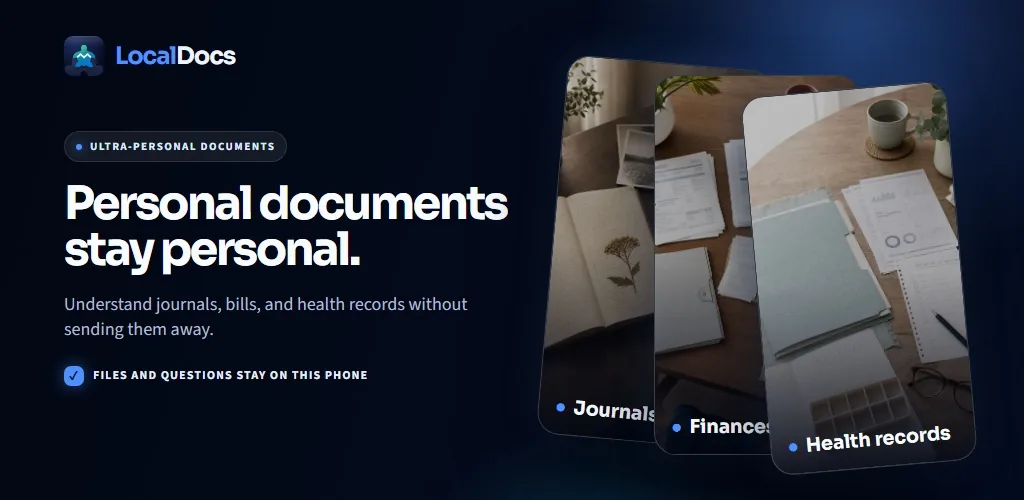
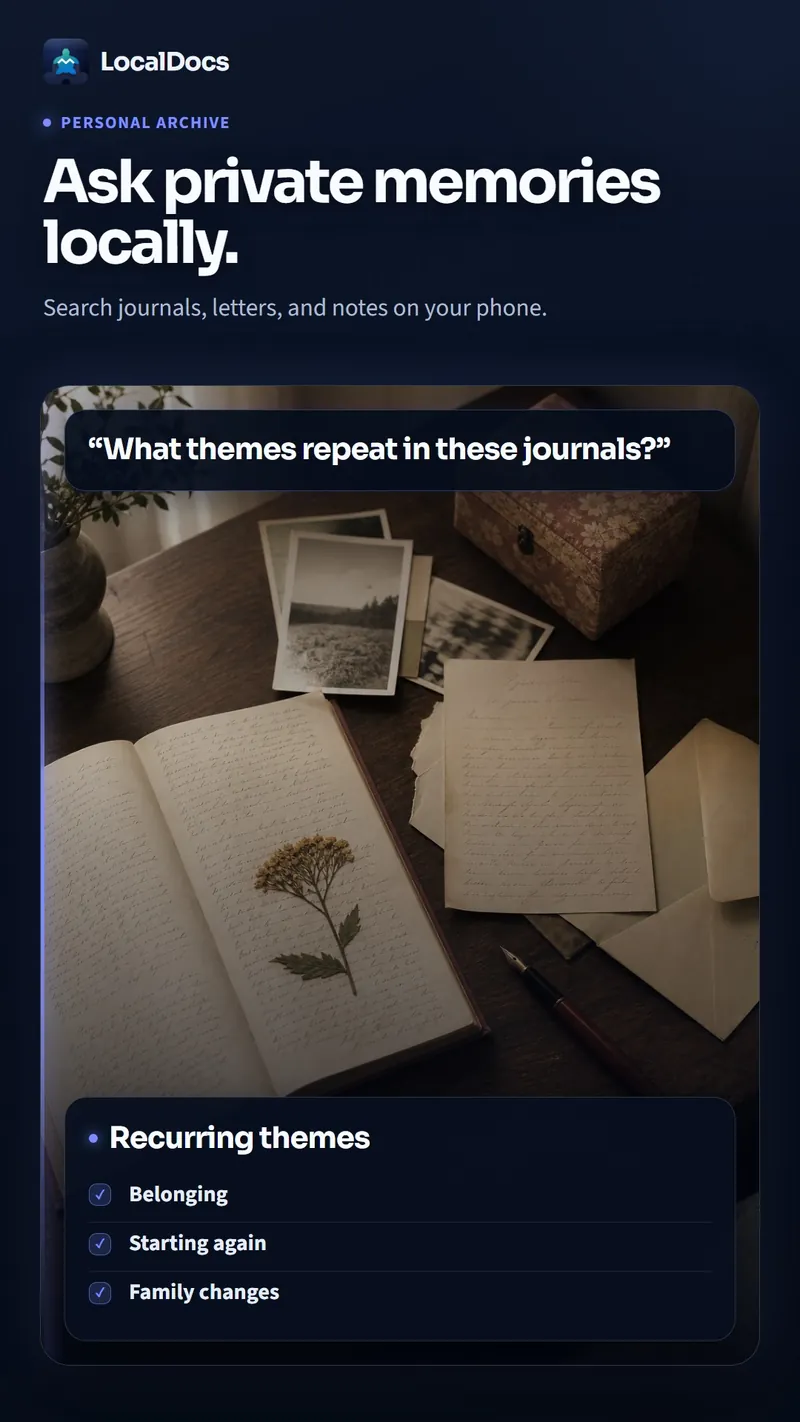
- Point it at a folder you already have - PDFs, .docx files, plain text, Markdown, HTML files - and it reads across everything already in that folder, rather than requiring a separate upload step into someone else's database. Photos and hand-drawn sketches are read when you attach one to a question, so the model looks at the image itself when you ask about it.
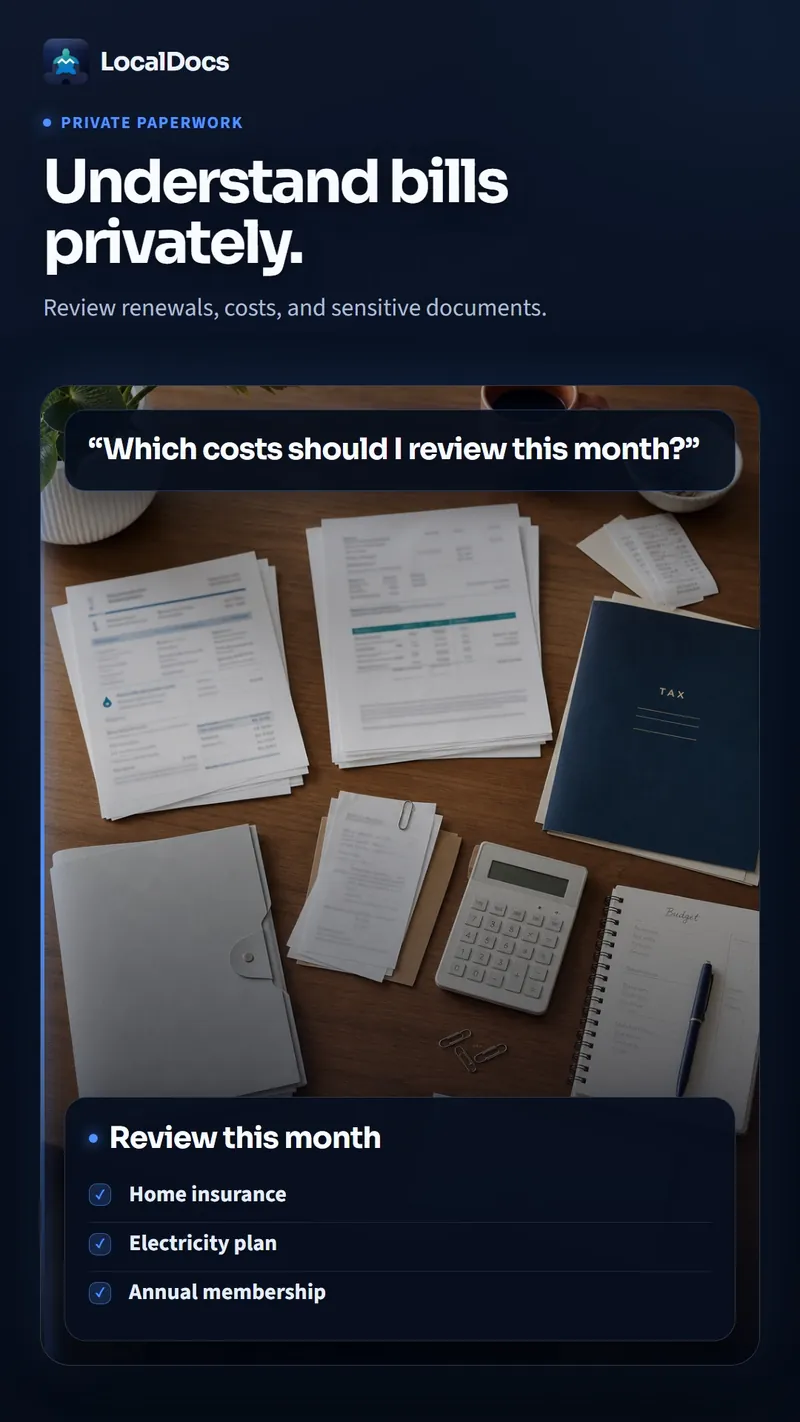
- Every answer names the specific document it came from, and tapping the citation opens that source file directly, so you can check a claim about your own insurance contract against the actual page instead of trusting a paraphrase.
- Documents are organized into folders the app calls mini libraries - a real example in Mystum's own promotional materials shows a library of 23 documents across 10 folders, which is roughly the scale a household's bills, contracts, and personal notes actually reach after a few years.
- There's no account to create and no analytics running in the background; once the app and its model are set up, it doesn't need an internet connection to answer questions, and both the documents and the chat history stay stored on the phone.
- Answers can be copied, shared, or read aloud - useful if you want a specific clause from an insurance contract read back to you while your hands are full, or you want to paste an answer into an email without retyping it.
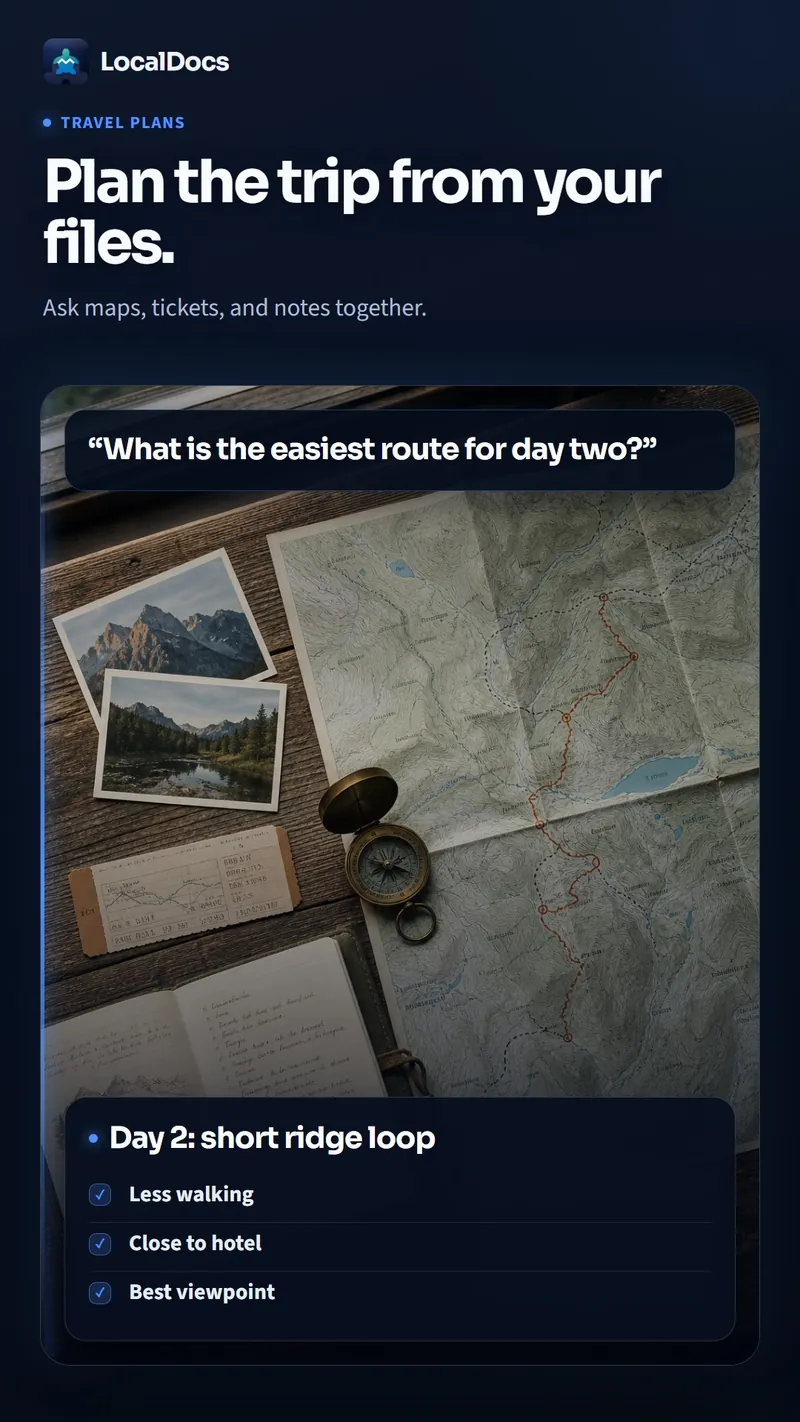
- The same goes for travel paperwork: boarding passes, hotel confirmations, a scanned itinerary - point LocalDocs at that folder before a trip and ask it to pull up a confirmation number or a flight time instead of digging back through email on the way to the airport.
New Research on Personal Digital Archiving
Recent scholarship systematically reviews personal digital archiving practices, reasons, and challenges across both desktop and ubiquitous environments such as laptops and mobile phones. Alongside academic work, practical guidance continues to evolve, including the POWRR project, which was created to help repositories with limited resources and proves useful for technically skilled private individuals. This combination of formal research and practitioner-oriented tools marks a maturing field of study.
Rethinking Memory, Forgetting, and Cloud Trade-offs
A Library Innovation Lab essay argues for rethinking personal digital archiving, memory, and forgetting through a library lens, questioning whether the goal should simply be saving everything. It frames the challenge as cultural as much as technical: what deserves preservation, whose job it is to decide, and how to build tools that align with people's values. Community discussions on archiving private and sensitive files similarly question whether the effort is worth it, reflecting real doubts about the value and risk of long-term personal archives.
Local-First vs. Cloud-Based Archiving
A key comparison in personal archiving is between private, local document search and cloud-based services that promise security but require handing over confidential files to companies whose business models depend on accessing data. Private document search keeps files exactly where the user controls them, a meaningful contrast to cloud convenience. The POWRR project offers another point of comparison, showing that approaches designed for under-resourced institutions can transfer effectively to private individuals with technical skills.
None of this is a claim that on-device processing solves privacy outright. The model runs on the phone's own hardware rather than a data-center GPU, so indexing a large folder, or asking a question that draws on many documents at once, takes noticeably longer than sending the same request to a big cloud model would - that's the trade for keeping the data local. On-device processing also only covers the step where a question gets answered: it doesn't protect a folder that's synced to Google Drive or a similar service, since those files are already in the cloud regardless of which app later reads them, and it doesn't protect documents from someone else who has your phone unlocked, or from malware already on the device.
LocalDocs is Mystum's own app - we built it, and we're telling you about it here directly. If you want to see how it handles a real folder of your own paperwork, you can try LocalDocs here.
Where This Actually Helps, and Where It Doesn't
The multimodal side is worth a specific caveat, especially if journaling is part of what you're digitizing. LocalDocs can look at a photo of a handwritten page or a sketch and answer questions about it, which is genuinely useful for scanned notebook pages. But like most handwriting recognition, it does better with legible print or clear block lettering than with fast cursive or a page full of cross-outs and margin notes - which describes a lot of real journals. Expect it to read some entries cleanly and struggle with others, rather than treating the whole notebook as equally searchable.
Technology in Context
Expert commentary emphasizes that technology greatly enriches the human experience but must be taken in context with socio-economic capacity, cultural and professional expectations, personal values, and emotional and spiritual needs. This framing suggests the right archival tool depends on the individual's situation rather than any single technical solution. The Library Innovation Lab reinforces this view, arguing the preservation challenge is cultural as much as technical and that tools should align with people's values rather than merely saving everything.
AI and Searchable Personal Archives
Emerging approaches connect large language models to personal data sources, with tutorials demonstrating how to build AI-powered private document search applications using retrieval-augmented generation, LangChain, and ChromaDB as a vector database serving as memory. These techniques make it possible to search a private paperwork archive semantically rather than by filename alone. At the same time, guidance continues to emphasize keeping files local, suggesting that the future of personal archiving pairs powerful search with data that never leaves the owner's control.
Preservation as a Collective Responsibility
Curated resources from university libraries, such as the University of Colorado Boulder's Collections of Distinction, provide information on identifying, storing, and caring for personal and family records, underscoring the institutional infrastructure behind individual archiving efforts. State archives, including North Carolina's, collect private papers under legislative mandate, making personal record-keeping a matter of broader public and cultural interest. The systemic challenge is that what deserves preservation and who should decide remain open questions that individuals, libraries, and archives must negotiate together.
Memory, Values, and Forgetting
The Library Innovation Lab argues that personal digital archiving should not reflexively aim to save everything, since memory and forgetting are both human needs, and the challenge is cultural as much as technical. This suggests a private paperwork archive is not just a technical utility but a reflection of a person's values about what matters. Individuals weighing whether archiving private and sensitive files is worth it are ultimately deciding what kind of memory they want to keep, and at what cost.
This isn't a substitute for professional advice, and it was never meant to be one. Asking questions about a scanned insurance contract or a personal health note is useful for finding your own information again - what a clause actually says, what a doctor wrote down at a visit, what a warranty covers - not for evaluating whether a decision is financially or medically sound. Treat anything it surfaces from a health or finance document as a starting point for your own reading, not a verdict, and remember that a small model running on a phone can still misread a document or draw the wrong conclusion from it, the same way a person skimming quickly can. The citation attached to every answer is there specifically so you can check.
Even with all of that, the pile doesn't organize itself. Digitizing years of paperwork is still a chore, caveats and all, and the appeal of a private archive isn't that it's flawless - it's that finding a specific document shouldn't force a choice between a folder you can't search and a company you didn't choose holding your bills, your journal, and your medical notes indefinitely. The goal isn't a perfect archive; it's being able to ask what a contract actually said and get an answer, with a source attached, from a folder that never left your own phone.
Private, on-device AI for your documents — ask questions, get cited answers.