
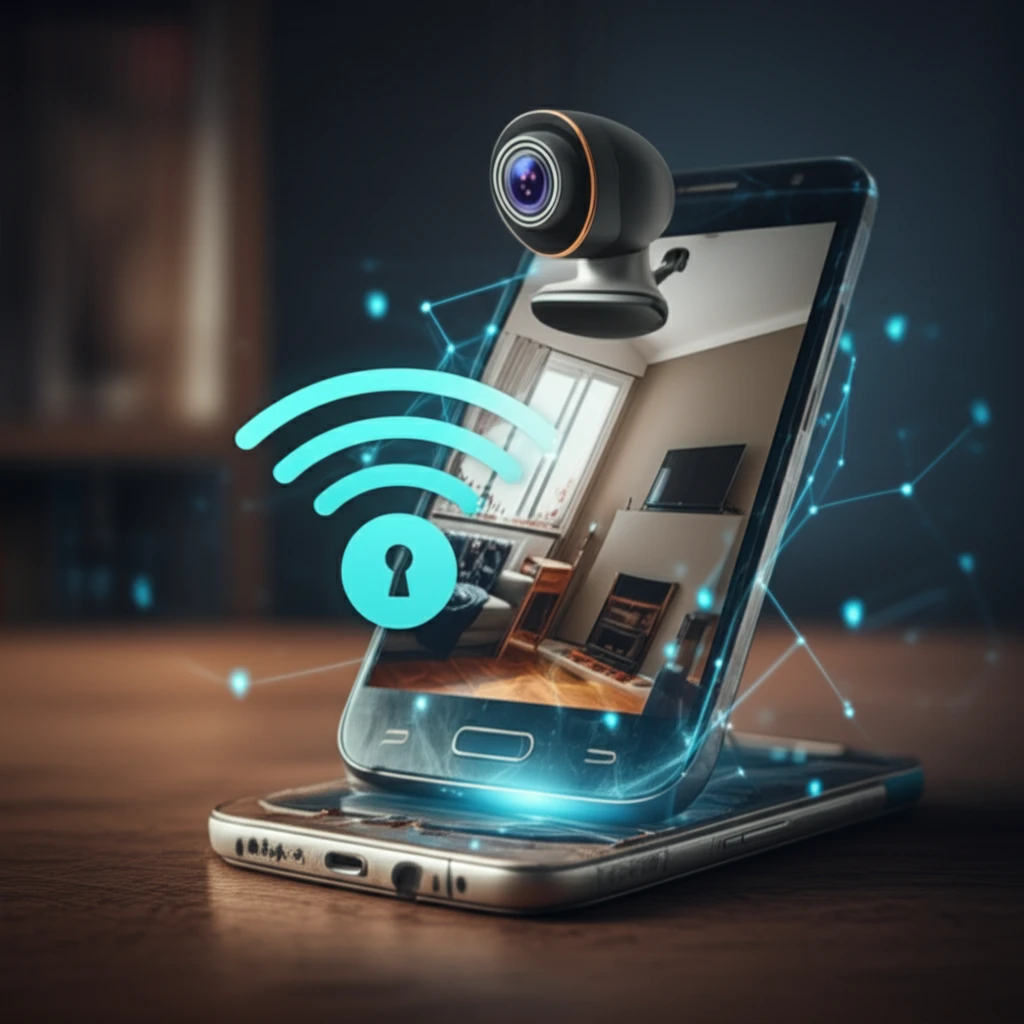
Turn Your Old Phone Into a Security System: DIY Home Monitoring

"Discover how to repurpose an Android phone and a webcam into a DIY home security system, saving money and increasing your peace of mind."
In today's world, keeping our homes safe and secure is a top priority. While professional security systems offer peace of mind, they can be quite expensive. But what if you could achieve a similar level of security without breaking the bank? The answer lies in repurposing technology you likely already have.
Smartphones have become indispensable, but what happens when you upgrade? Instead of letting your old Android phone collect dust, you can transform it into a valuable component of a DIY home security system. Paired with a simple webcam, your old phone can become a mobile monitoring device, accessible from anywhere.
This article will guide you through the process of creating your own Android-based area web monitoring system. By leveraging open-source technology and readily available hardware, you can build a cost-effective security solution tailored to your needs. We'll explore the necessary components, the setup process, and the potential benefits of this approach.
Why DIY Monitoring Matters
Turning an old phone into a home monitor can offer a practical, low-cost way to increase awareness around a living space. Its usefulness depends on placement, reliability, and how consistently someone checks or responds to alerts. As a supplement to broader security measures, phone-based monitoring may improve visibility without guaranteeing complete protection.
DIY Versus Professional Security
DIY home security systems are generally cheaper and more flexible than professionally installed systems, but they can be prone to errors. Reported DIY drawbacks include gaps in coverage, security vulnerabilities, and false alarms. Professional installation can improve accuracy, although it may cost more; the two approaches can also be combined, since DIY equipment may include professional monitoring and professional installations may use similar wireless devices.
The Shift Toward Accessible Security
Home monitoring has gradually become more accessible as consumer technology makes it easier for individuals to assemble and manage security tools themselves. The broader movement toward DIY systems reflects a preference for flexibility and personal control. Using an old phone as a monitor fits this general shift, though its capabilities remain dependent on the device and setup.
Building Your DIY Security System: A Step-by-Step Guide
Creating your own web monitoring system involves combining hardware and software components. The core idea is to use an Android phone as a controller and monitor, with a webcam providing the visual input. Here's a breakdown of the required elements:
- An Old Android Phone: This will act as the control center, running the monitoring application. Ensure it has a working camera and Wi-Fi connectivity.
- A Webcam: A USB webcam that can connect to a computer or server.
- A Computer or Server: This will host the webcam feed and stream it to your Android phone.
- Network Connection: A stable Wi-Fi network for both the phone and the computer/server.
- Web Monitoring App: Several apps are available that can turn your Android phone into a security monitor, like AlfredCamera or Manything.
What Recent Reviews Test
Recent 2026 reviews evaluate self-installed home security systems for factors such as reliability, durability, pricing, installation, monitoring, and smart-home integration. Security.org reports that its experts spent six months installing and testing more than a dozen systems, including comparisons with professionally installed counterparts. Other review programs describe independent rankings based on real testing data and assess installation type, equipment cost, and smart-home features.
Where DIY Setups Fall Short
A DIY monitoring setup can fail when the camera does not cover important areas, the equipment is configured incorrectly, or alerts become unreliable. These weaknesses may create false confidence rather than dependable protection. For that reason, an old phone should generally be treated as a limited monitoring aid instead of a complete replacement for a purpose-built security system.
Cost, Control, and Coverage
Recent comparisons describe DIY systems as legitimate alternatives to traditional professional installations, with lower total costs and greater flexibility. DIY installation is typically free, and self-monitoring through a mobile app can avoid recurring professional-monitoring costs. Professional monitoring may provide faster response and more continuous protection, so the better choice depends on whether the priority is savings and control or broader coverage and assistance.
Secure Your Space, Simply and Affordably
Setting up a DIY webcam monitoring system with an old Android phone is a practical and budget-friendly way to enhance your home security. By repurposing existing technology, you can create a customized security solution that meets your specific needs.
How Reviews Reach Their Conclusions
Expert recommendations are more useful when they come from hands-on testing rather than specifications alone. SafeHome.org describes buying equipment, installing systems in a two-story, 2,200-square-foot home, and testing them for weeks or months to assess everyday use, apps, and response times. Consumer Reports adds survey evidence from more than 11,000 people when identifying leading DIY systems in its 2026 coverage.
The Next Stage of DIY Monitoring
The future of DIY home monitoring is likely to emphasize easier setup, broader device integration, and more flexible combinations of self-monitoring and professional services. Older phones may remain useful as supplementary cameras as long as software and hardware continue to support them. Their role will likely be strongest in modular systems rather than as standalone replacements for dedicated security equipment.
The Limits of Any Single Device
Home security works as a system, so a single repurposed phone cannot address every risk. Coverage, connectivity, power, privacy, and response procedures all affect whether monitoring is meaningful. DIY solutions therefore require users to balance affordability and convenience against reliability and the consequences of missed or false alerts.
Personal Control and Peace of Mind
DIY security appeals to people who want affordable, scalable tools that they can configure and expand themselves. One 2026 build guide describes a system completed in January 2026 using Home Assistant, wireless sensors, and budget-friendly cameras, illustrating the hands-on nature of this approach. WorldMetrics reports that 68% of U.S. households cite peace of mind as a main reason for installing security systems, while DIY solutions also serve urban and suburban households, rental properties, and small businesses.
While this DIY approach offers a great starting point, remember to consider its limitations. It may not have the advanced features of professional systems, such as 24/7 monitoring or professional installation. However, for basic surveillance and peace of mind, it's a valuable option.
As technology evolves, the possibilities for DIY security solutions will continue to expand. Embrace the opportunity to create a smarter, safer home environment using the devices you already own.